UX/UI Case Study: Prototyping & Asset Collaboration
Objective
The goal of this project was to design a clean, modern interface that helps users accomplish key tasks easily and efficiently. I focused on creating visually engaging screens while maintaining clarity of information and user flow. This work highlights how design choices support usability, accessibility, and smooth interaction.
My Role
As the designer, I was responsible for:
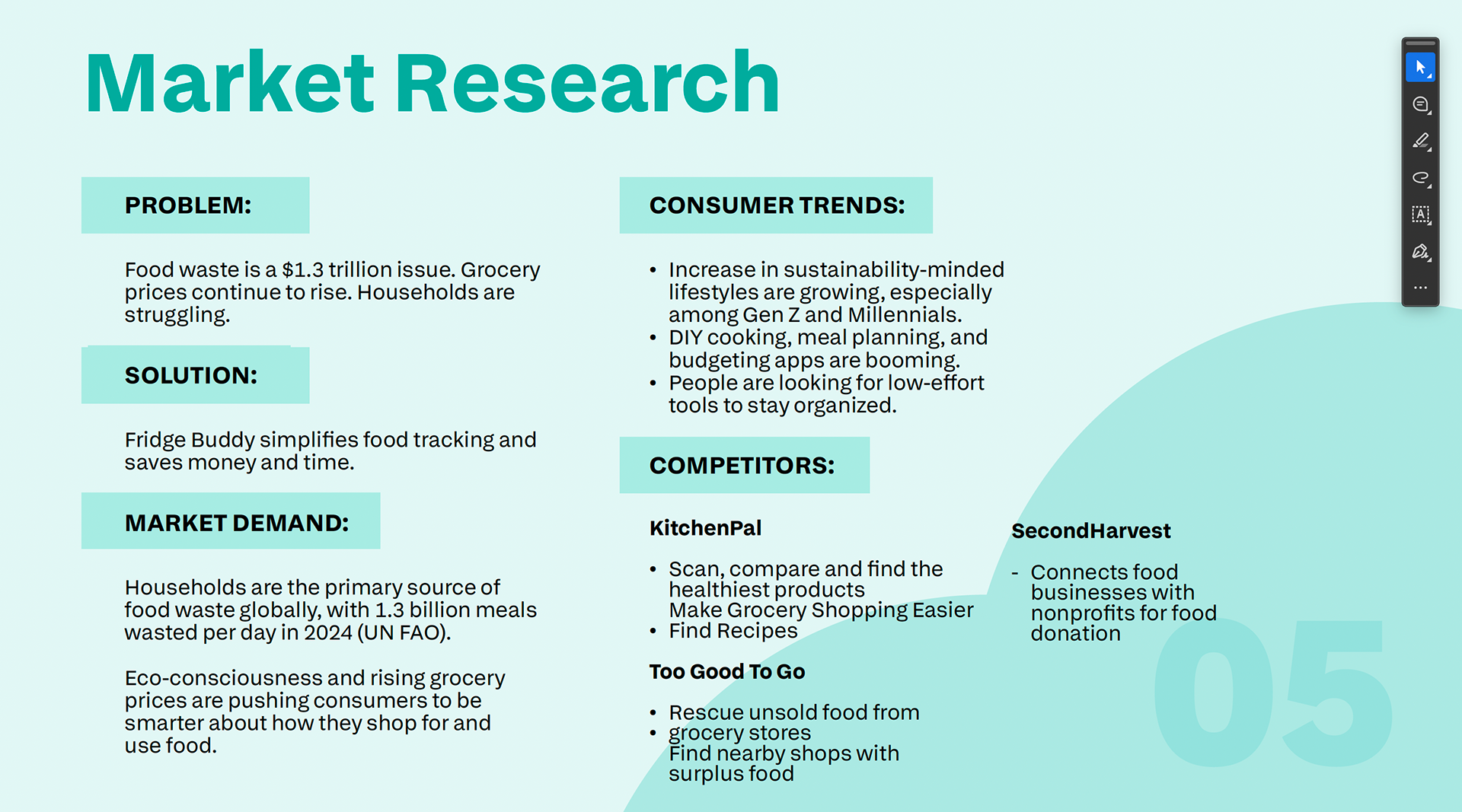
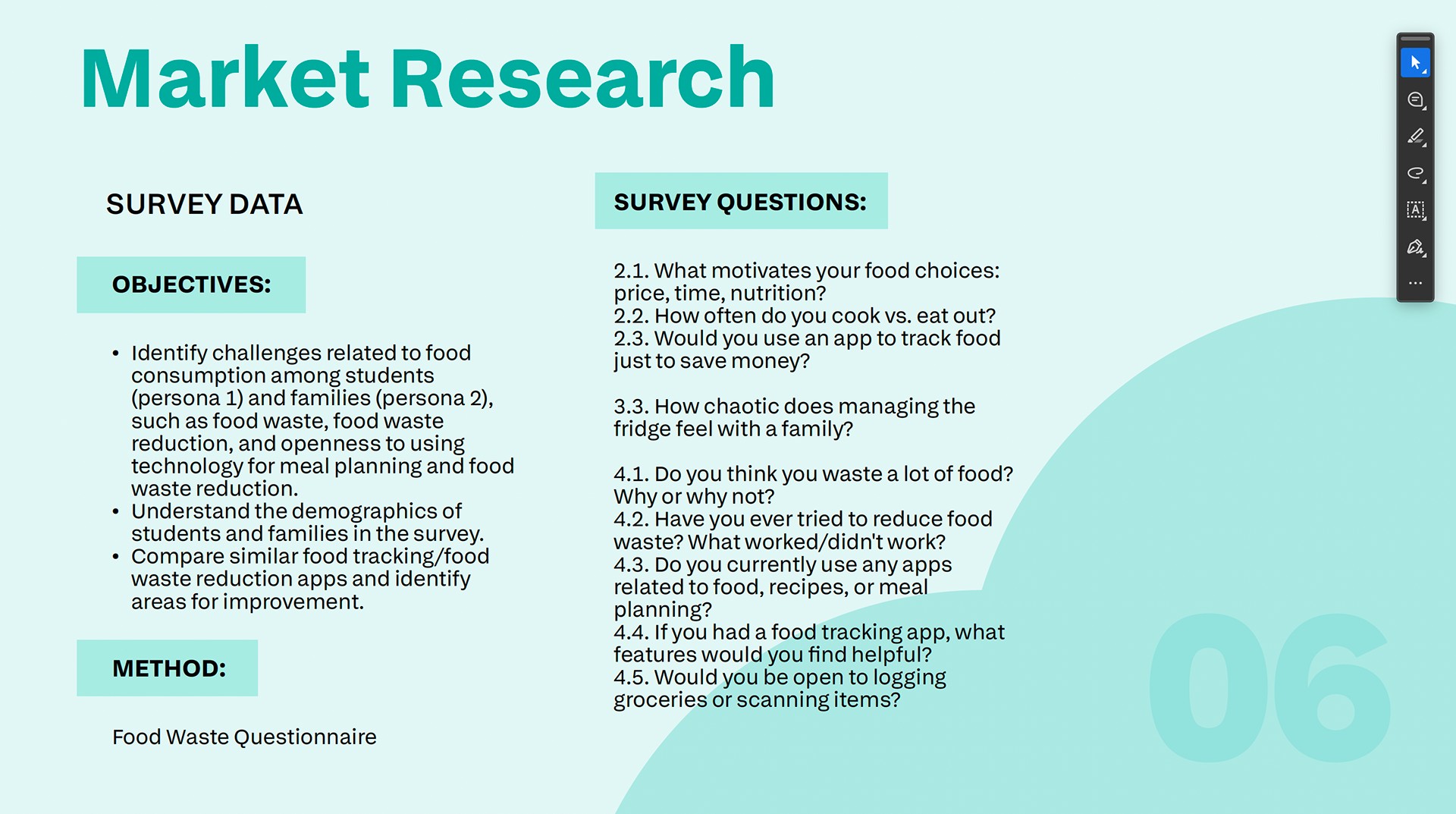
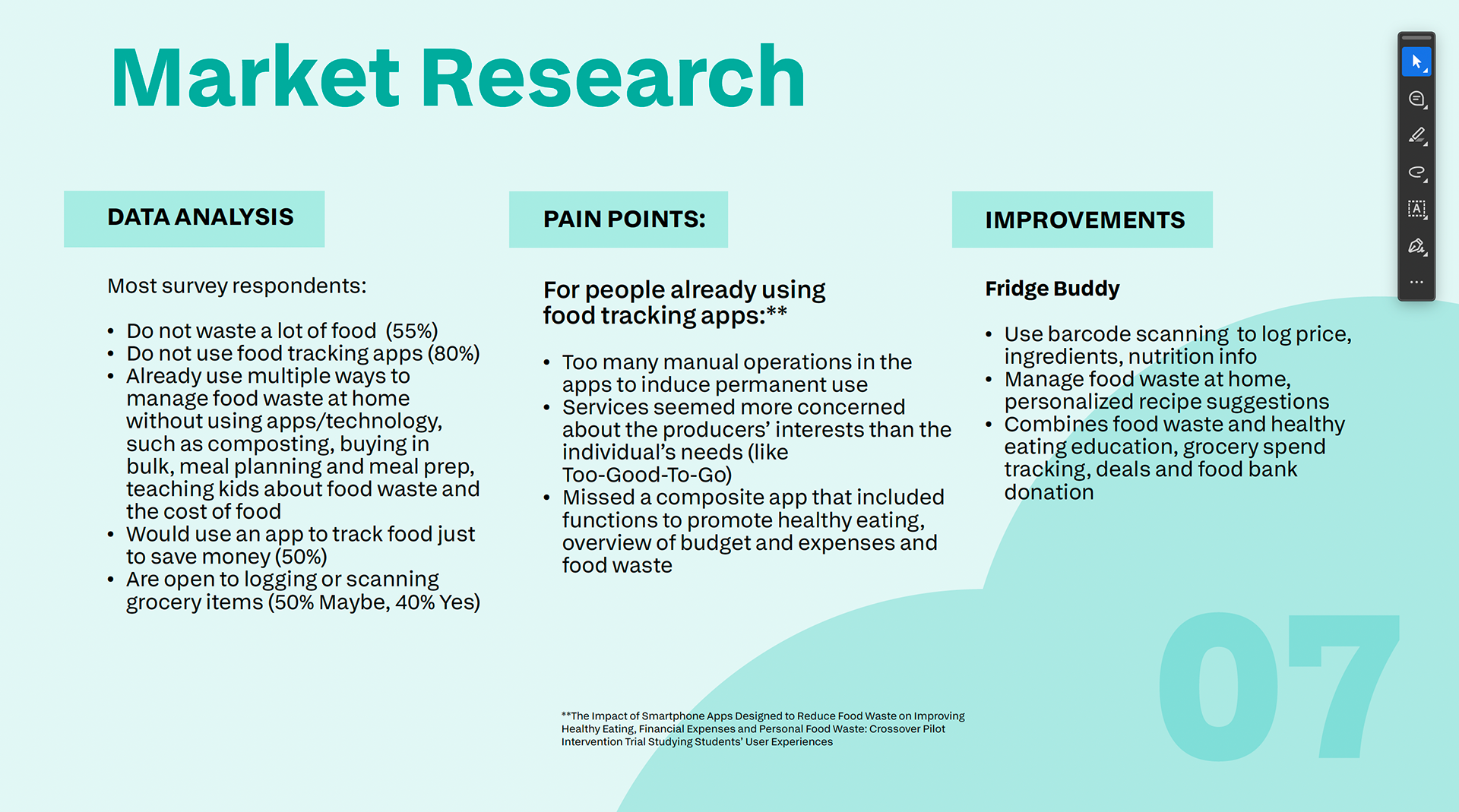
Defining user needs and core interface goals
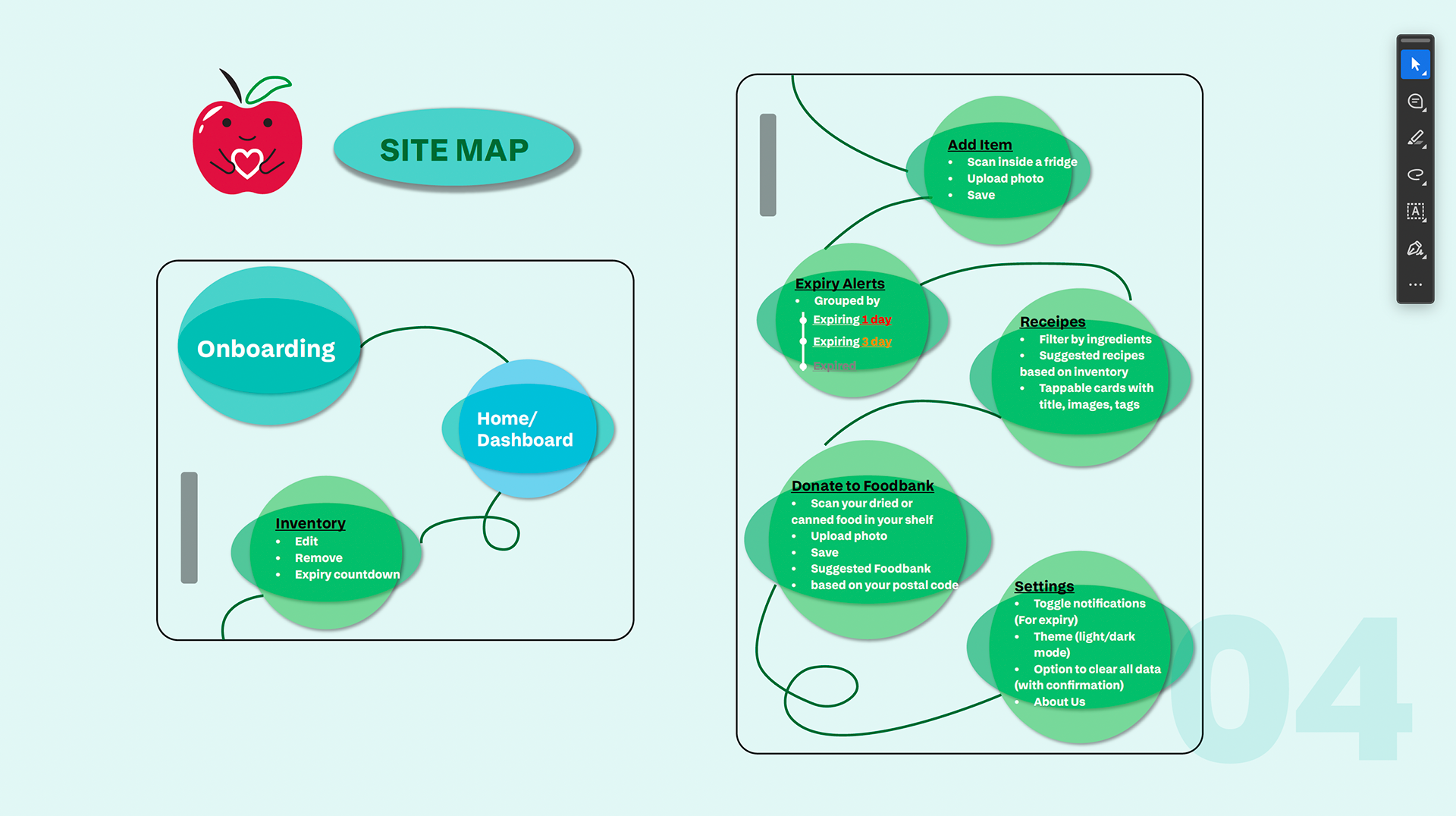
Planning the structure of screens and user journey
Designing high-fidelity UI mockups
Applying consistent visual styles and UI elements
Tools: Figma for layout and UI design
Design Process
User & Task Focus – Considered user needs, common flows, and interaction priorities.
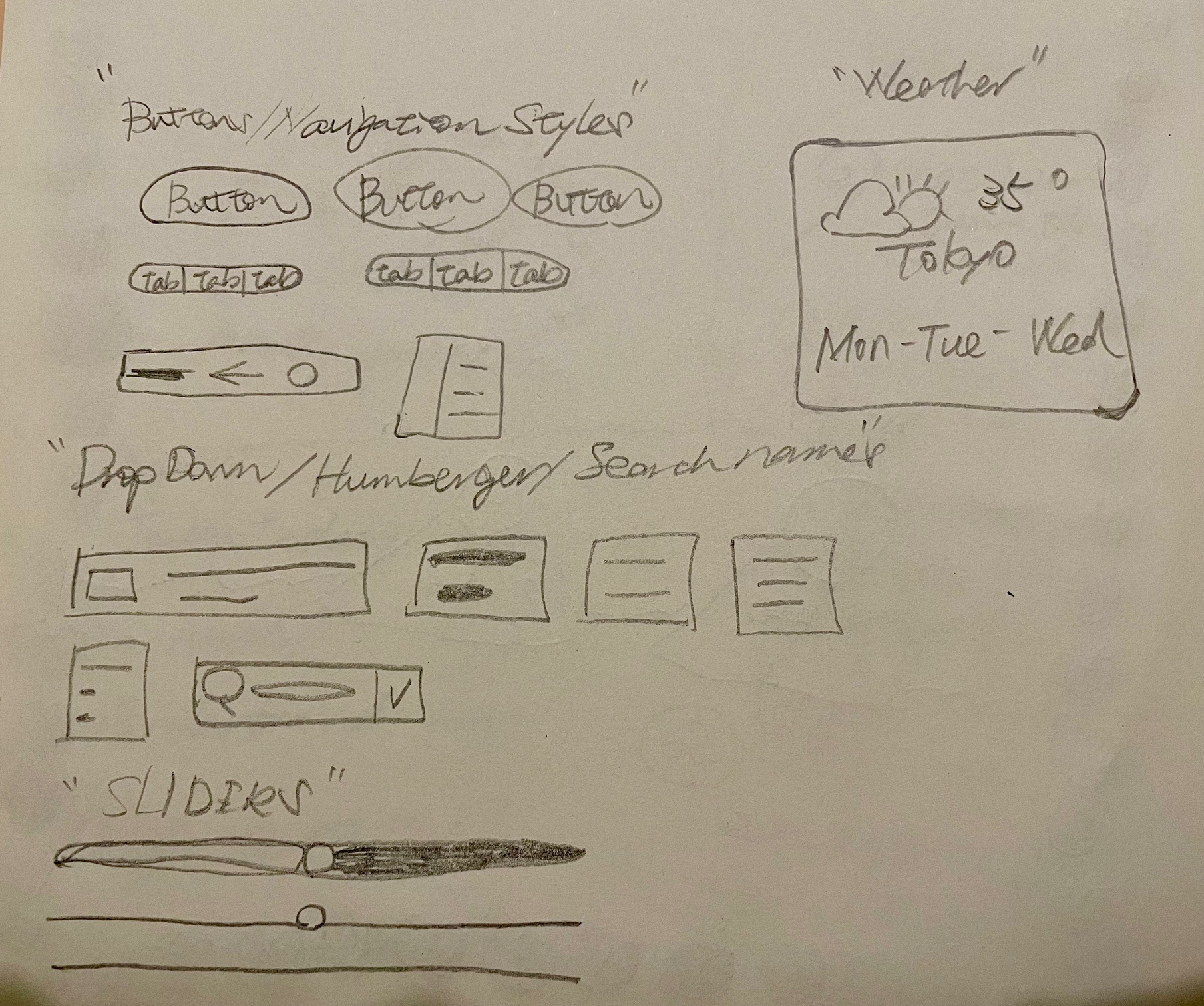
Wireframing – Explored layout options and page hierarchy.
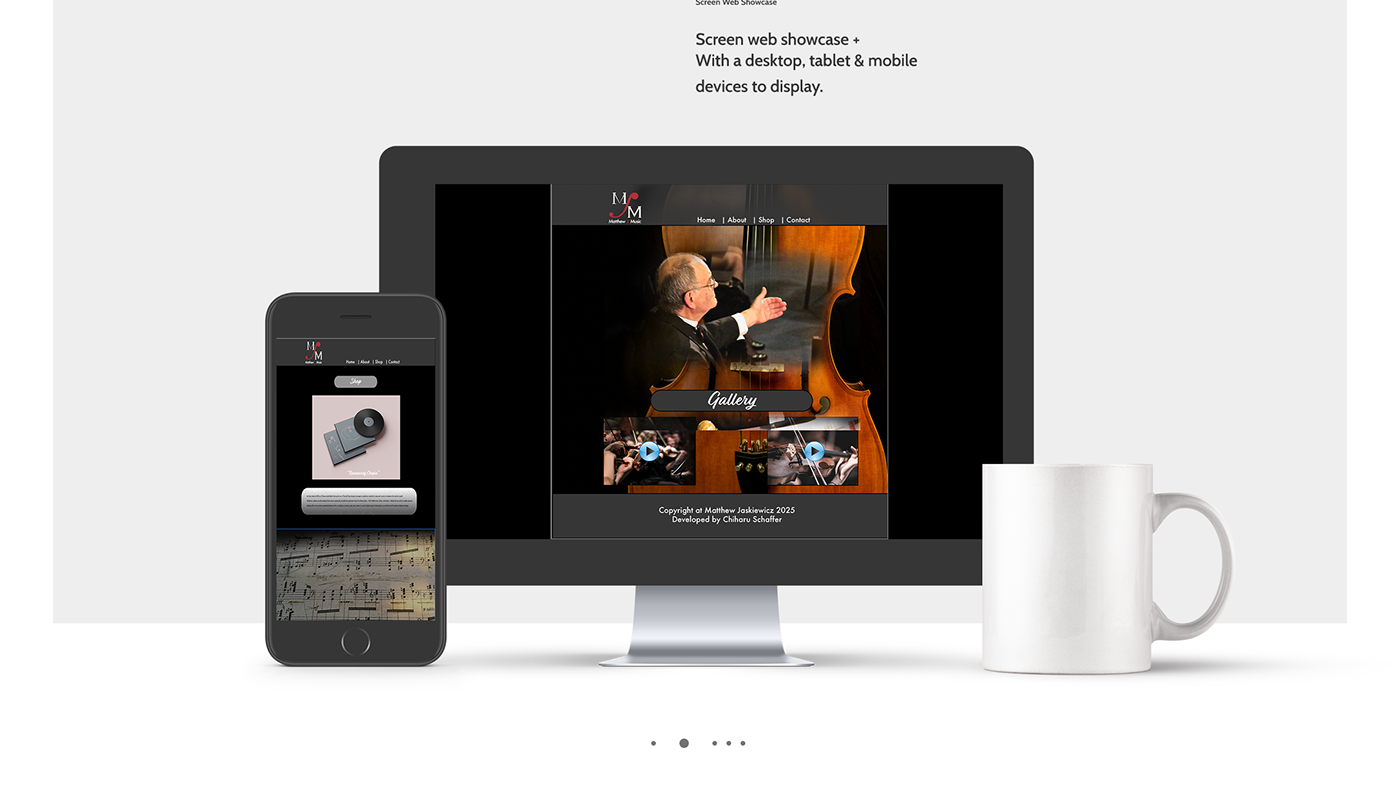
Hi-Fi Screens – Created polished UI screens with attention to spacing, typography, and visual balance.
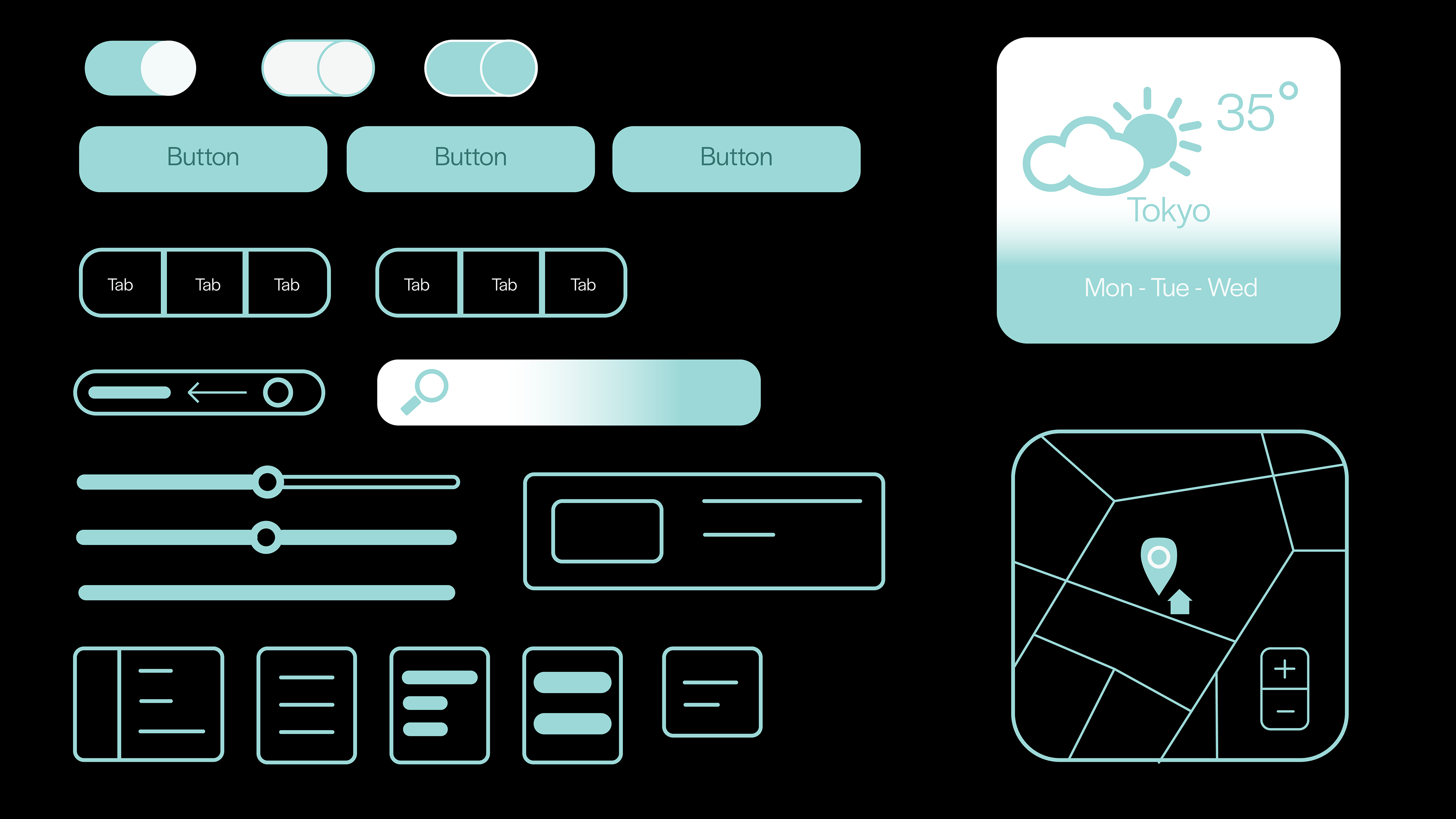
Component Consistency – Established repeated design elements (buttons, form fields, navigation) to ensure a cohesive experience.
Design Choices
Clear typographic hierarchy to improve readability
Consistent spacing and grid alignment for structure
Thoughtful use of color and contrast for accessibility
Simplified navigation to make tasks easy and intuitive
Outcome
The result is a cohesive set of UX/UI screens that reflect a balance of visual design and functional user experience. This project showcases my ability to solve design challenges with a user-centered mindset and clean, modern visual aesthetics.
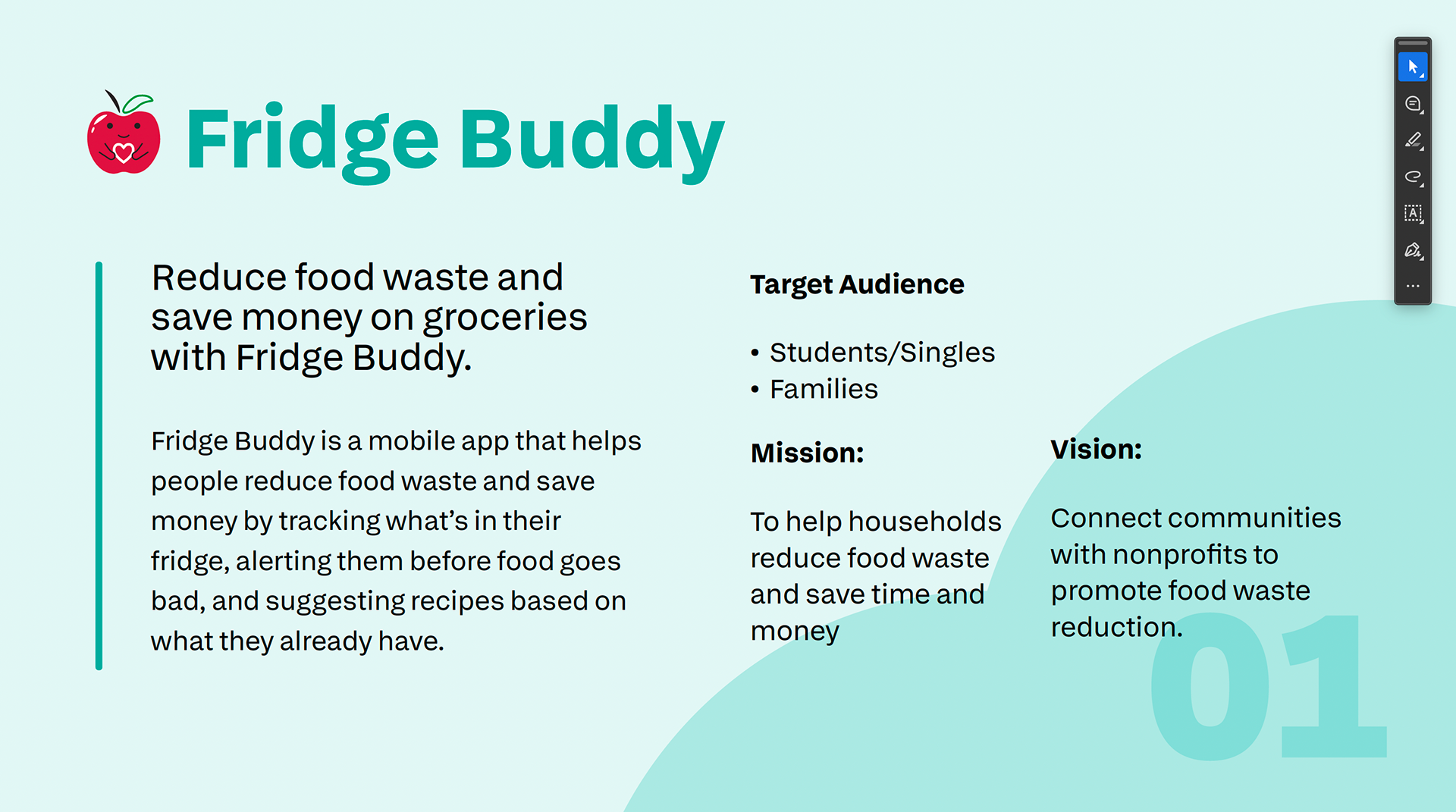
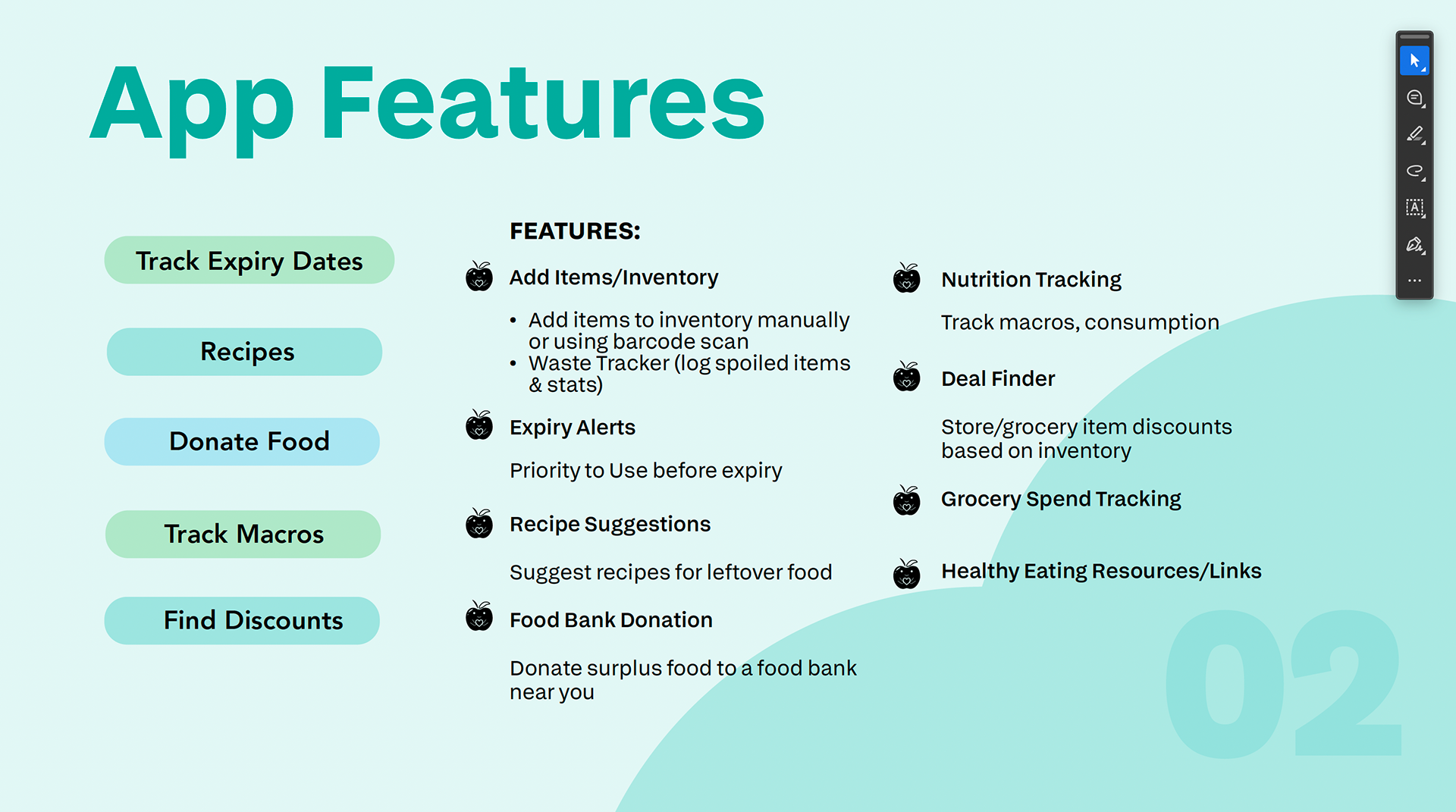
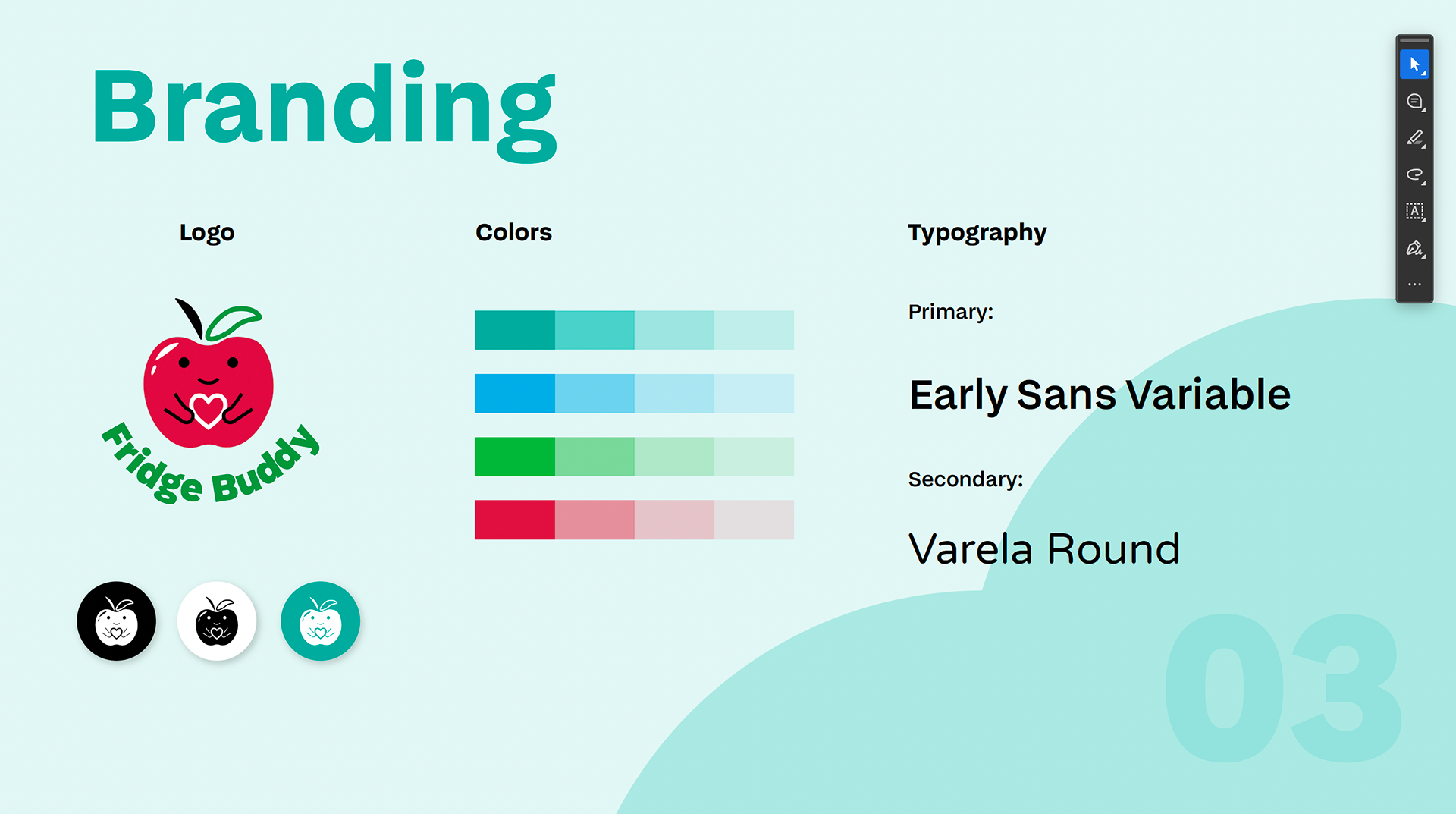
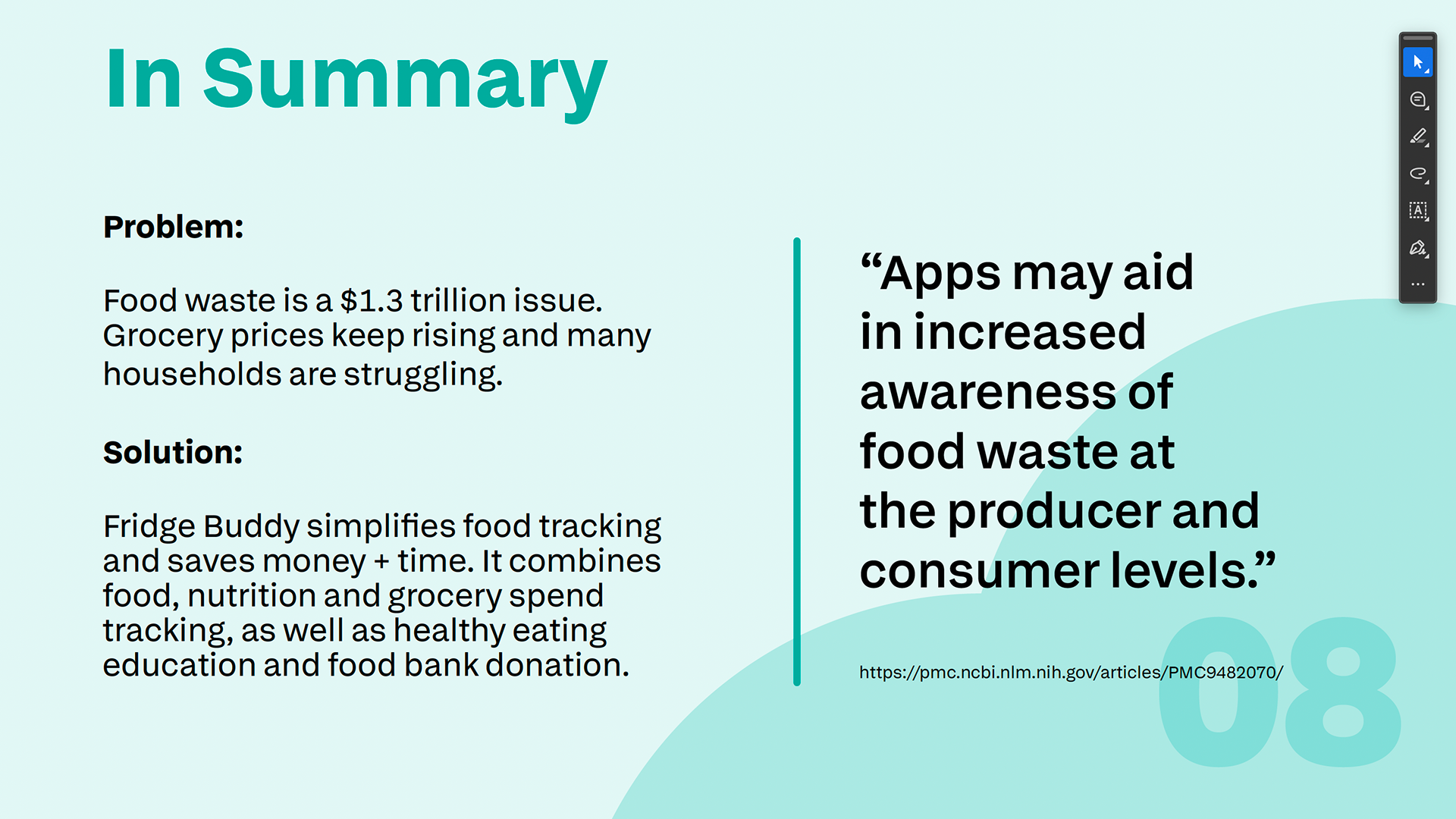
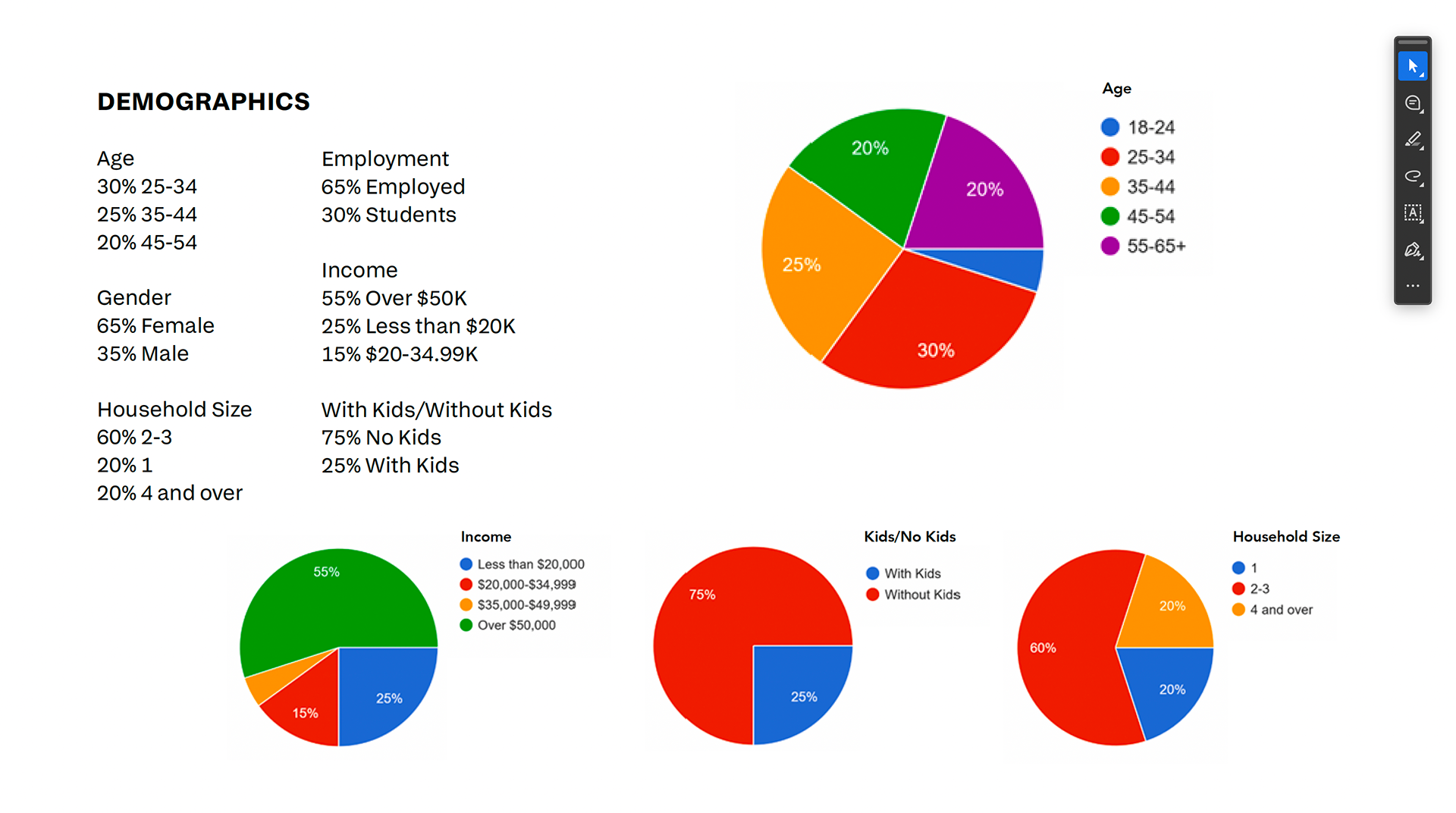
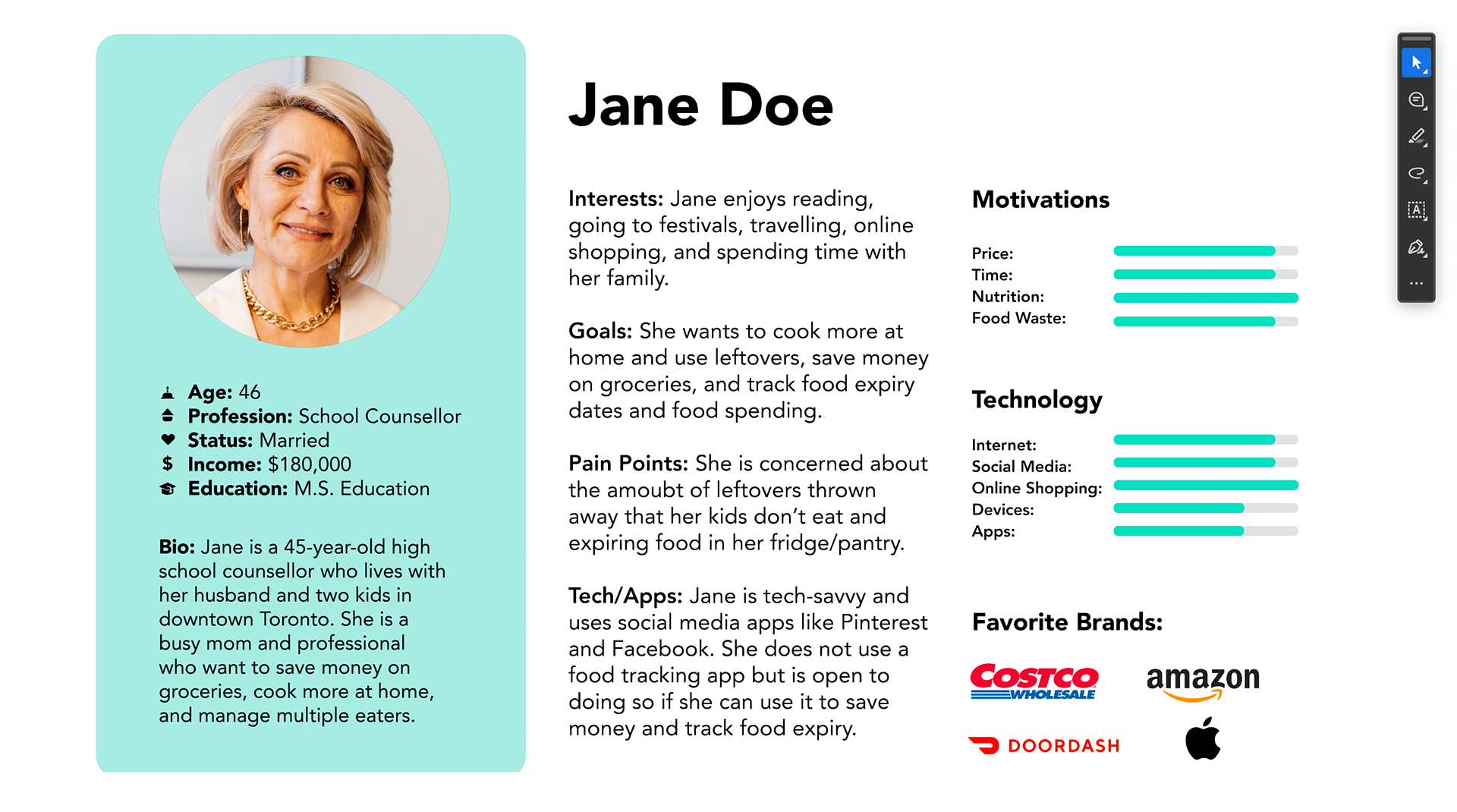
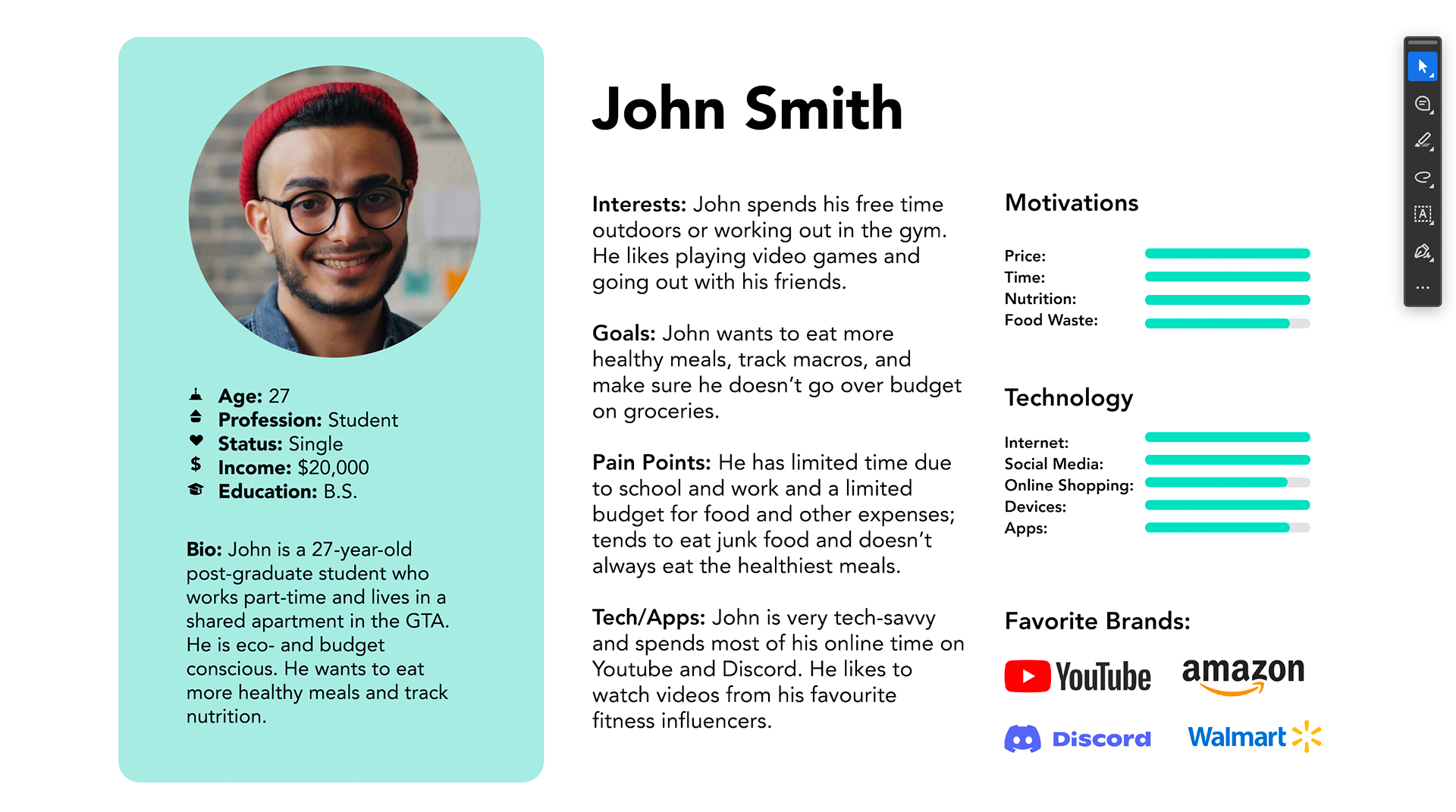
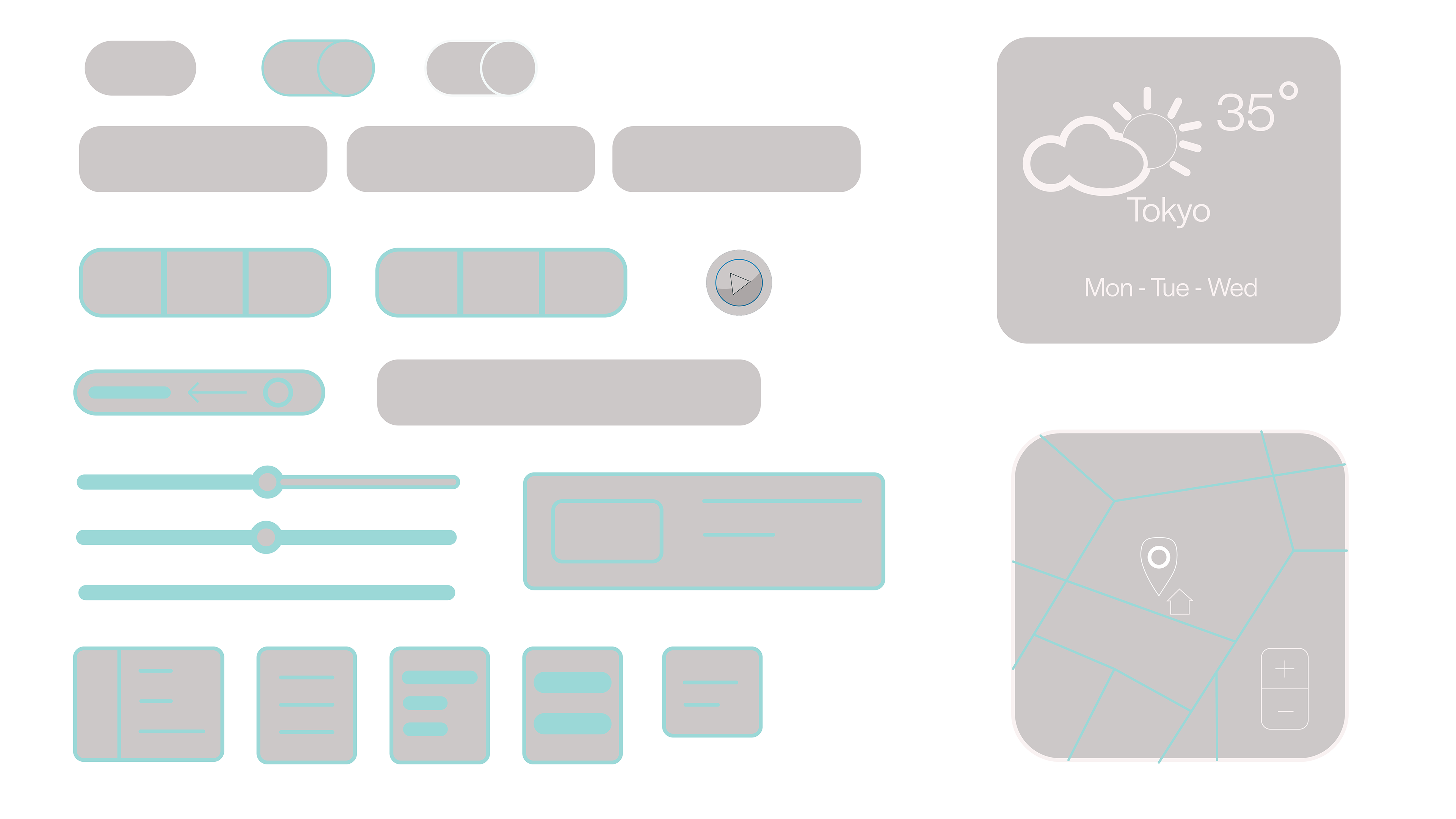
UI Kit for Mobile
Tools: Figma, Adobe Illustrator